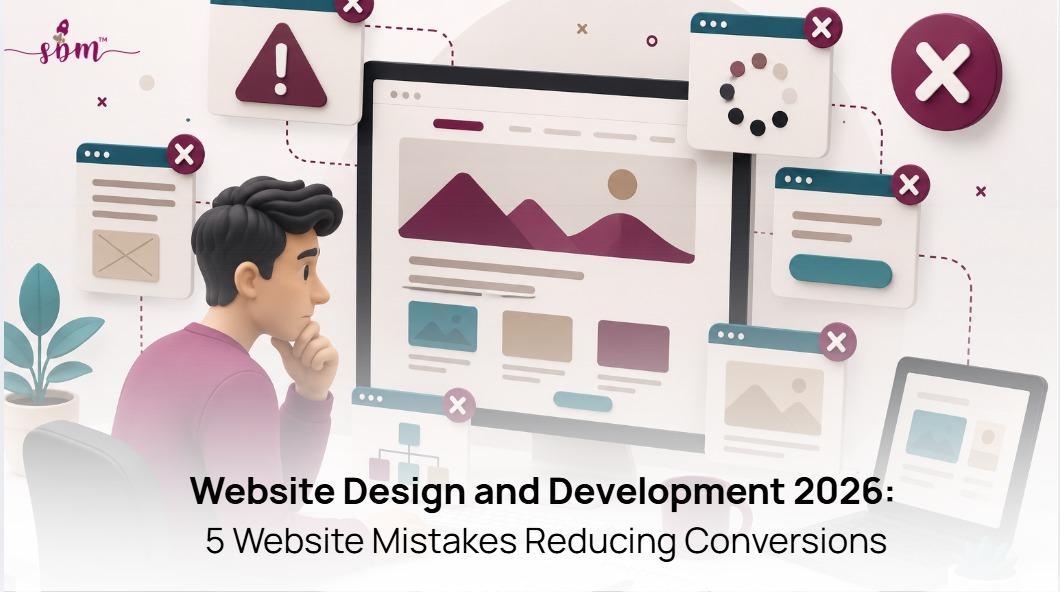
Website Design & Development in 2026: 5 Conversion Mistakes
Author: The SmallBizMarketing Team, small business marketing specialists.
Small business owners, our website might be driving customers away without you realizing it.
You don’t need more people visiting your website. You need more of the right people taking action.
Many small business owners invest in a professional-looking website, only to discover that visitors leave without calling, booking, or making a purchase.
The issue is what happens after someone lands on your site.
In 2026, a successful website needs to act as a lead generation website that guides visitors from awareness to action.
Here are five website mistakes that could be quietly costing your business customers and how to fix them.
Why Your Website Isn't Generating Leads in 2026
A website can lose customers for several reasons: it may load too slowly, fail to explain your value clearly, lack trust signals, make contacting you difficult, or miss opportunities from emerging AI search traffic.
Many small businesses focus on making their website look professional but overlook website conversion optimization. A beautiful website that doesn’t guide visitors toward action is simply a digital brochure.
Mistake 1: Your Website Is Too Slow on Mobile
A mobile-friendly website is no longer optional. Your customers are not browsing your website from a desktop in an ideal setting. They are searching on their phones, while comparing multiple businesses at once.
Your website needs to load quickly, provide easy navigation, and create a smooth experience across every device.
What causes it:
Many small business websites are built visually first and optimized later. Common issues include oversized hero images, animated sections that slow loading, unnecessary website plugins, and desktop layouts that were simply squeezed into a mobile version.
For example, a home remodeling company may have a stunning portfolio page, but if each project image takes several seconds to load, homeowners looking for a contractor may leave before seeing the work.
How to fix it:
Optimize images before uploading, remove unnecessary website features, improve mobile navigation, and monitor Core Web Vitals regularly.
Your website should create momentum, not make customers wait.
Mistake 2: Your Value Proposition Isn’t Clear Within Seconds
A visitor should understand your offer within seconds of landing on your homepage. If they have to search through paragraphs, menus, or service pages to understand your value, you are creating unnecessary friction.
What causes it:
Many businesses describe themselves instead of addressing customer problems.
“Full-service digital solutions for modern businesses” sounds professional but does not tell a small business owner what they actually get.
Compare it with:
“Generate More Local Leads with a Website Built for Small Business Growth.”
The second message connects the service to the customer’s goal.
How to fix it:
Your homepage should clearly communicate:
The problem you solve
Who you solve it for
The result customers can expect
Position your business as the obvious choice.
Mistake 3: You’re Missing Trust Signals
Most visitors are not ready to buy the first time they visit your website. They are looking for signals that your business is credible before they reach out.
What causes it:
Many small businesses dedicate most of their website space to describing their services but overlook decision-making elements like reviews, customer stories, and results.
A cleaning company saying “We provide reliable service” is less convincing than showing “500+ homes cleaned with a 4.9-star customer rating.”
How to fix it:
Add trust signals where customers make decisions:
Reviews near service sections
Testimonials beside CTAs
Case studies showing measurable results
Certifications or industry credentials
Mistake 4: Your Contact Process Has Too Much Friction
When someone decides to contact you, a complicated process can make them reconsider.
What causes it:
Common problems include lengthy forms, unclear booking processes, and CTAs that do not explain the next step.
How to fix it:
Reduce the information you request upfront. Make CTAs specific:
Instead of:
“Submit”
Use:
“Schedule My Consultation”
Instead of:
“Contact Us”
Use:
“Get My Free Estimate”
Every click should move the customer closer to a decision.
Mistake 5: Your Website Isn’t Ready for AI Search
Search is changing. Customers are increasingly using AI tools to discover businesses, compare services, and make buying decisions.
This means your website needs to be understandable not only for people but also for AI search platforms.
What an AI-ready website structure looks like for a small business:
Design Element | Standard Site | AI-Ready Site |
Headline | Generic service description | Specific outcome + location + differentiator |
Above-the-fold CTA | "Learn More" | "Book a Same-Day Call" or "Get an Instant Quote" |
Trust signals | Footer testimonials page | Hero section rating badge + one inline testimonial |
Contact form | 6-8 fields | 3 fields max + clear next-step confirmation |
Page structure | Long scrolling paragraphs | Short sections with clear H2/H3 headings for AI extraction |
Summing Up
Your business’s conversion problem might be hiding in plain sight.
Your website is more than an online business card. It is one of your most important sales tools.
A slow website, unclear messaging, missing credibility, complicated contact forms, or outdated search strategy can turn potential customers away before they ever reach out.
The good news? You may not need more traffic. You may simply need your existing traffic to work harder.
At SmallBizMarketing, we help small businesses create conversion-focused web design solutions designed to attract customers, build trust, and generate more leads.
Whether you need SEO-friendly website design, technical improvements, or complete website optimization tips for higher conversions, our team helps businesses build websites that support long-term growth.
Not sure what’s stopping your website from converting? Discover the changes that can help your business grow: info@smallbizmarketing.agency.
Frequently Asked Questions
What’s a good website conversion rate for a small business in 2026?
A good conversion rate depends on your industry, but small business websites aim for 2–5%. Improving website speed, messaging, trust signals, and user experience can help increase conversions.Why does my website get traffic but not leads?
Common reasons include unclear messaging, slow loading speeds, missing customer reviews, weak calls-to-action, and complicated contact processes.What is conversion-focused web design?
Conversion-focused web design focuses on turning visitors into customers through fast performance, clear messaging, strong trust signals, simple navigation, and effective calls-to-action.What is the effect of mobile performance on website conversions?
Since many customers browse on mobile devices, slow loading speeds and poor mobile experiences can significantly reduce engagement and lead generation.What are the elements of an AI-ready website in 2026?
An AI-ready website uses clear content structure, helpful answers to customer questions, detailed service information, and organized pages that make it easier for AI search tools to understand and recommend your business.